To delete your account on DINVO Delivery:
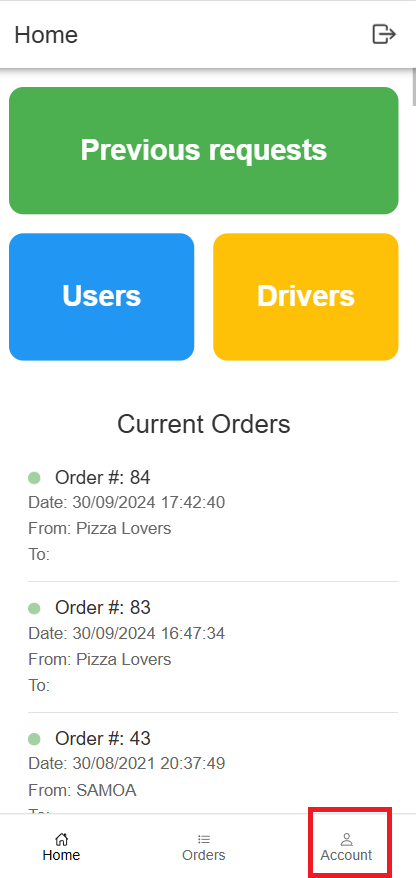
1- From home page, go to “Account” from the bottom of the page
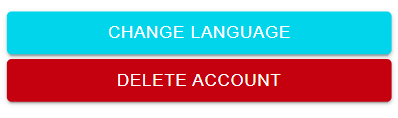
2- On the Account page press “Delete Account”
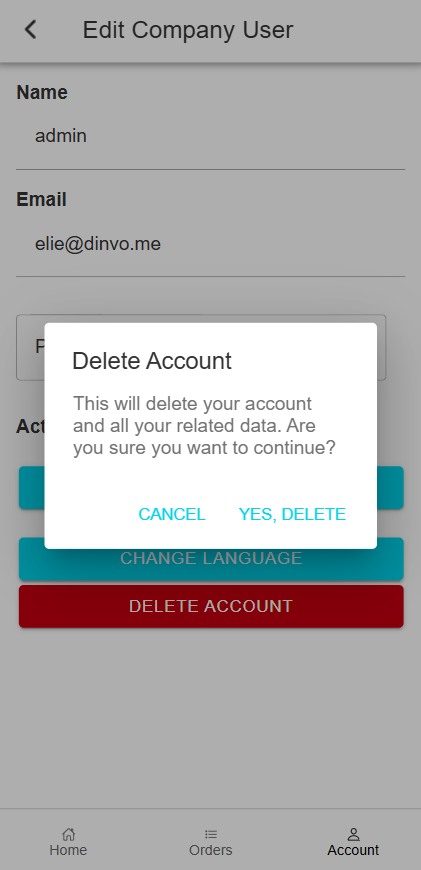
3- You will prompted, press “Yes, Delete” and your account will deleted and you’ll be logout
DINVO > DINVO Delivery – Delete Account
1- From home page, go to “Account” from the bottom of the page
2- On the Account page press “Delete Account”
3- You will prompted, press “Yes, Delete” and your account will deleted and you’ll be logout